 Uno ThemesGet all 3 themes
Setup guide · 8 steps · no code
From purchase to a live store in about 20 minutes.
01about 1 min
Get the themes
Pay once. Your email has all three theme files (.zip, don't unzip them) and your license key.
02about 2 min
Upload a theme to Shopify
Online Store → Themes → Add theme → Upload zip file. Start with the one you like most. It arrives as a draft, so your live store keeps running.
03about 1 min
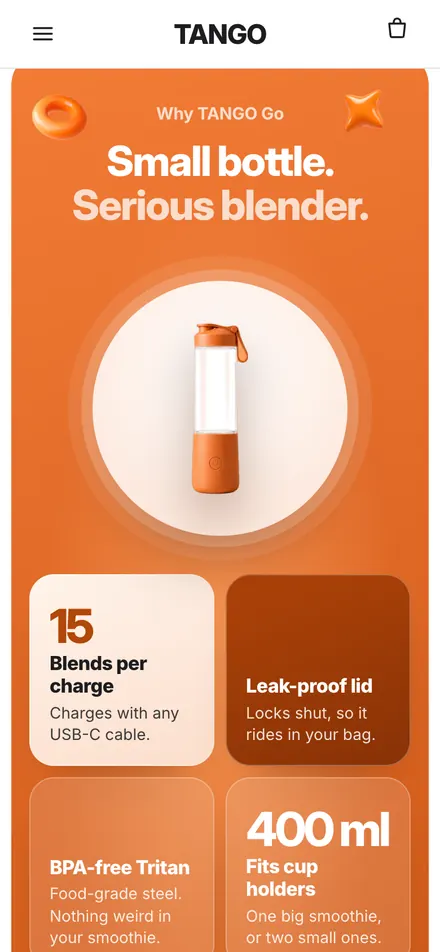
Open the preview
Click Preview. You see the full store, already set up like the demo.
04about 5 min
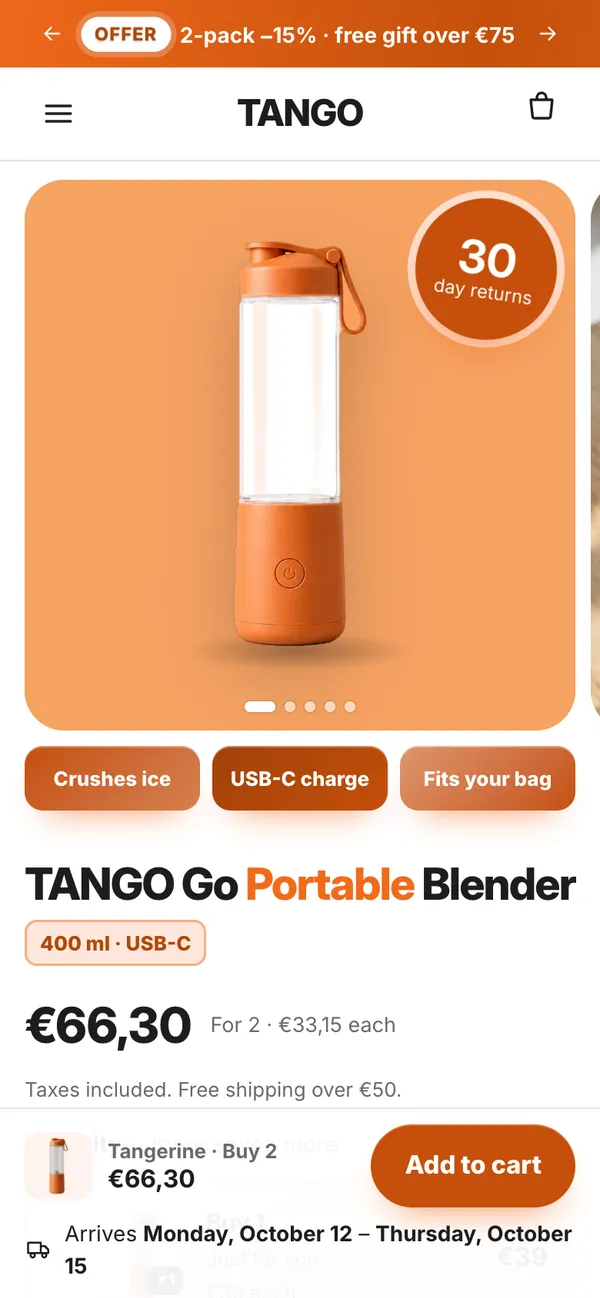
Add your product
Products → Add product: title, price and photos. The first photo is used in the hero and the bundles.
05about 2 min
Make your mascot hold it
Open Mascot Studio with your license key, upload one product photo, pick a pose. 9 images are included, 3 with each mascot.

Your photo 
Kinetik holding it 06about 3 min
Put the mascot in your store
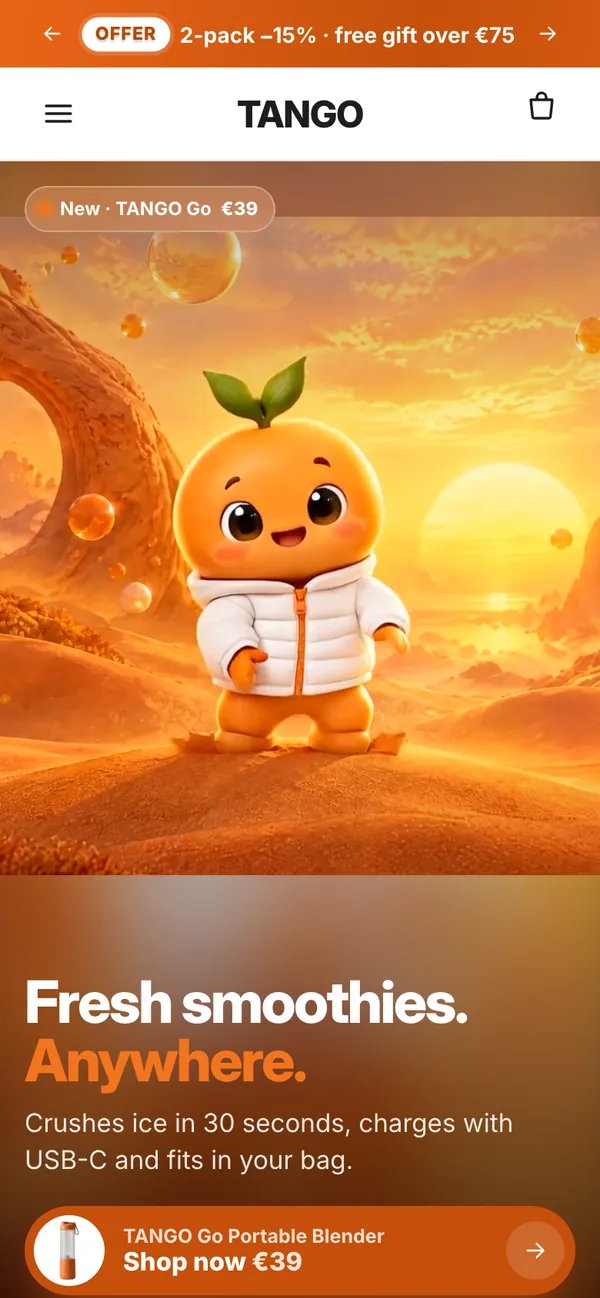
In Customize, set Character cut-out in the Living world hero, or add a Mascot hero section.
07about 5 min
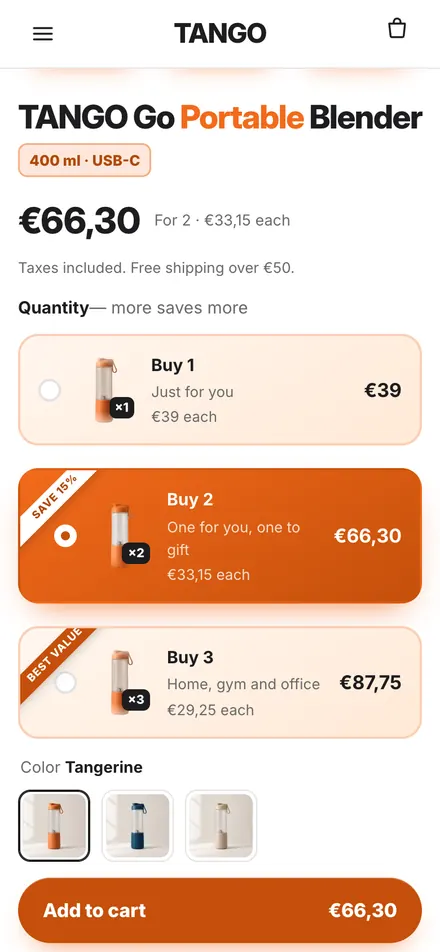
Set your offers
Click the bundles block to set the tiers, and add matching discounts in Shopify → Discounts.
08about 1 min
Test on your phone, then publish
Open the preview on your phone, tap through a purchase, then click Publish. Done.
Need more help?
Set the Plinko welcome gift
Create a discount code in Shopify → Discounts. Open the Scratch card section, keep Game: Plinko, and type the code in Discount code. The ball always lands on the discount you choose.
Rewards bar and free gift
In Cart drawer set Reward 1 at (e.g. free shipping at 50) and Reward 2 at. In Theme settings → Cart choose the Gift product and From order amount.
Use the Studio files everywhere
Upload all Mascot Studio files once in Content → Files (keep the file names), then tick Use the Studio file from Content → Files in the Mascot hero section.
Before you publish
The demo ratings and review counts are examples: replace them with your own or switch them off. Your old theme stays saved until you click Publish.
Questions? Email us — we usually reply within a few hours. hello.unothemes@gmail.com